
Weddings (including receptions) or Religious Ceremonies are prohibited at any community center or event space.
Showings are not offered at any center, as they are NOT staffed. Please review the photos and floor plans for space information.
Make room for your next gathering.
Find information about reserving an event room, community center, conference space, or freight elevator and prepare for your booking.
Explore booking options How it worksA smoother start to your reservation.
Choose your community, review its terms and available dates, then submit your booking request. Provide the exact time of the event even when you are reserving the full day.
Bookings must be paid in full within 5 days after the requester receives approval. Payment plans are not available for Community Center events.
Choose your booking path.
Review your community’s rules, photos, floor plan, and availability before submitting a request.
Book through your community
Sign in to your owner portal to access your association’s booking options. Community availability and terms determine what you can reserve.
Open the owner portal Select your association in the portal to see any booking options available to your community.Community booking pages
These community booking pages are available directly. Select yours to see rooms and schedules.
For another community or a freight elevator booking, use the owner portal to find your association’s available options.From request to confirmation.
Check availability
Select your community and review its terms, room details, photos, floor plans, and available dates. Events must be booked at least 10 days in advance.
Submit the details
Include the event date and actual event hours. Allow 2 to 3 business days for request processing.
Pay and prepare
Pay the booking in full within 5 days of approval. Check the confirmation email and watch for your digital access code 2 hours before the event.
Before, during, and after your event.
Before
- Confirm all booking information in your confirmation email.
- Your entry code will arrive by email 2 hours before your event.
- HVAC settings will be adjusted 3 hours before your event according to community guidelines.
- Notify guests of the rules and community standards.
During
- Take before and after photos of the center.
- There is no staff on site at any center or event space.
- Follow the digital access and entry instructions carefully.
After
- If there was damage before your event, send timestamped photos by email.
- Security deposits can take 7–14 days to be returned. Any outstanding owner account balance is applied before disbursement.
No key needed.
Communities are equipped with digital access. You will receive an entry code by email 2 hours before your booking starts.
Know your community’s requirements.
Security requirements at community centers and association venues are set by the Board of Directors. Review the terms for the neighborhood you are booking.
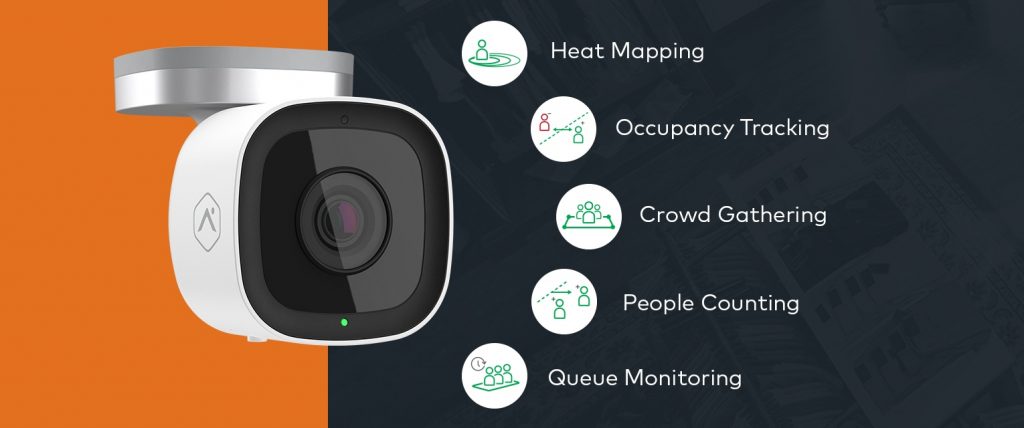
When virtual security is required under the rental agreement, Blackstone monitors cameras and other activity in the Community Center for compliance. Violations may be noted or reported to law enforcement. No physical officer is on site unless law enforcement dispatches one.
Current security billing rate shown on the original booking page. Check your community’s terms for whether security is required.
If an incident during your event needs to be reported, call the Security Department at (240) 343-9481.
Changes, cancellations, and deposits.
Change a booking
Describe the change to your original request, including event date, timeframe, and attendance. If requesting a new date, first check that the date is available.
Request a changeCancel a booking
Cancellations must be submitted in writing. Booking guidance says you must cancel 7 days before the event to retain your security deposit; security guard fees may still apply after that point.
The cancellation policy says a full refund requires cancellation 5 business days before the event; within 5 days, no refund is provided. Credit card booking fees are nonrefundable. Cancelled event funds are applied to any owner account balance before disbursement.
Request cancellationDeposit returns
The deposit policy says deposits are returned 5 to 7 business days after the event by check, payable only to the person who submitted the booking request.
Post-event guidance also says returns can take 7–14 days. Funds from any return are first applied to an outstanding owner account balance.
Ready to plan your event?
Review your community’s availability and terms, then submit the booking details online.