
Pool information.
Register for digital pool access, check your community’s current information, and review the guidance before you visit.
Access your community pool ↗Everything you need for a pool visit.
Select your community, register each pool user, and use your community pool page for current hours, weather information, attendance, and rules. Pool access is managed digitally; physical pool passes are no longer used.
Digital access
Choose your community and address, verify your login, and add each user with a recent photo.
Current information
Look at your community pool page before visiting for details that may change.
Pool guidance
Watch the tutorial and review your association’s pool rules and flotation information.
Find the information you need.
Select a topic on the left or read through the guide in order.
Register online to access your pool
Select your community in the pool portal. Choose your address, verify your login by email or text message, then add each pool user and upload a recent photo to submit.
Physical pool passes are no longer used. Complete the digital process according to your association’s pool access policy.
Check your community pool
Use your community pool page to check current information, including weather, hours, rules, and attendance when available. Details vary by community.
Watch the registration walkthrough
The existing video walks through the digital pool access process so you can prepare before registering.
Review your pool rules
Read the rules and standards for your own community before visiting. They explain the association’s access requirements and expectations for using the facility.
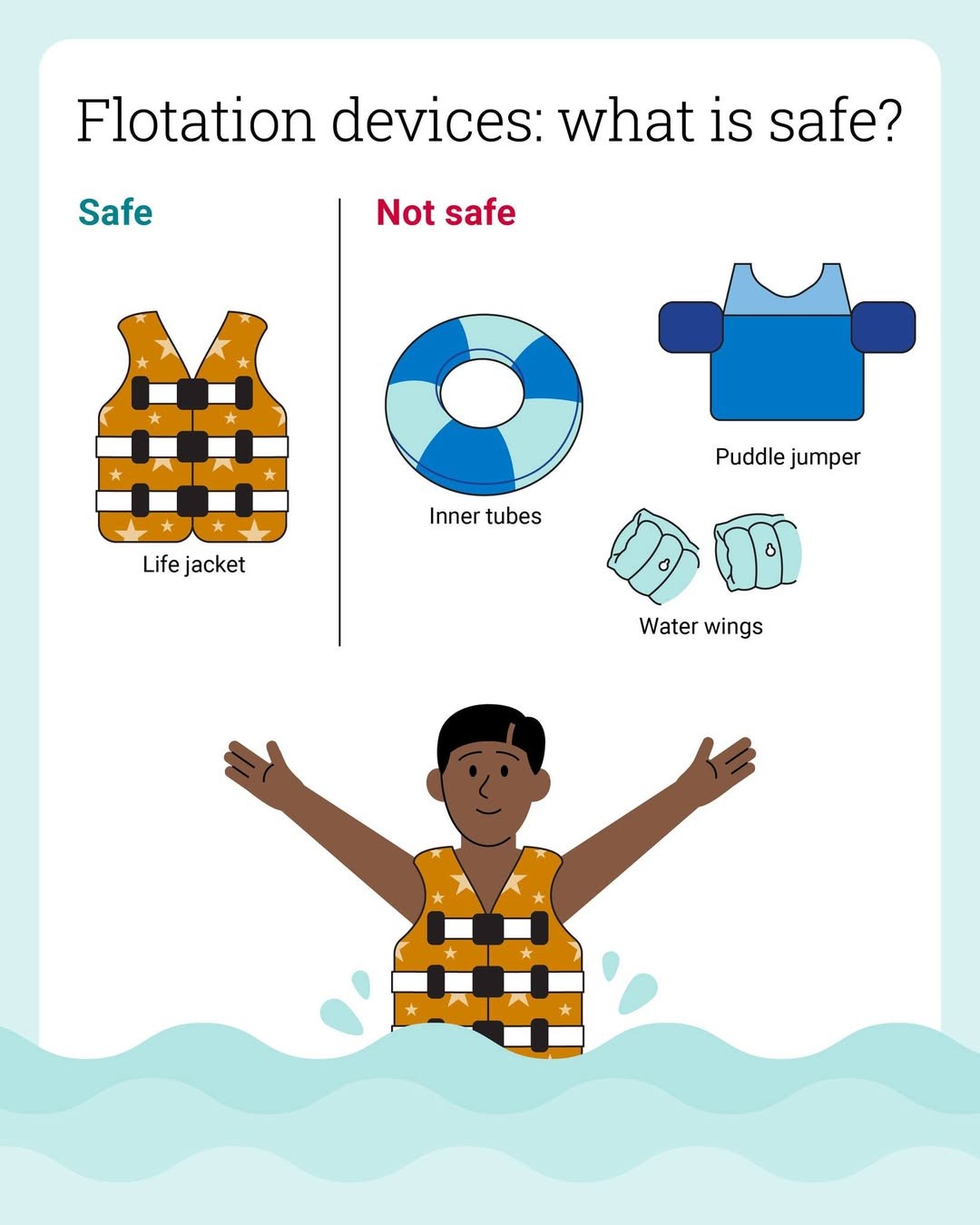
Review the flotation guide below and follow the rules posted for your community pool.
Need help with pool access?
If you have trouble registering or cannot find your community’s information, contact Blackstone Management and include your community and address.
Three steps to digital pool access.
Choose your community
Open the pool portal and select the association where you live.
Confirm your address
Choose your address and verify your login through email or text message.
Add your users
Enter the people who will use the pool and upload a recent photo for each user.
Before you head to the pool
Visit your community pool page for current information and review the rules that apply to your association.